
Join the Community
Create an account to post updates, upload videos, and buy exclusive products.
Active Creators

Salma Akter
163 posts
Friends

Md Ibrahim Khalilullah
120 posts
Friends
Dr. Rima Khan
54 posts
Friends
Nicole
51 posts
Friends
ডাক্তার নিখিলেশ
41 posts
Friends

Live Stream Studio
LIVEBroadcast live to BnaGo Community Feed via Meet, Camera, or OBS
How Meet Live Streaming Works
- Direct Conference Room: Clicking "Start Meet Live Stream" takes you directly into your Meet room as Host.
- Auto Screen Share: Upon entering, screen sharing is automatically prompted to broadcast your screen & voice live to the feed.
- Open Audience Access: Anyone can watch live on the feed or 1-click enter the room to join the conversation.
- Auto Close on Exit: Leaving or ending the meeting immediately stops the live broadcast on the feed.
Camera preview will appear here
Microphone and webcam will broadcast live when you start.
OBS Studio / vMix / Streamlabs Setup
- Open OBS Studio → Settings → Stream
- Set Service to "Custom..." and paste the Stream URL & Stream Key below
- Click "Start Streaming" in OBS, then click "Publish OBS Stream to Feed" below
Choose who can discover and participate in your live stream on BnaGo.
#
#wellness
Showing all posts tagged with this hashtag
No Posts Yet
Be the first to publish a post, share a product review, or upload a video!
Client Jobs
Freelancer Services
Featured Gigs Campaign
Ai_services
Promoted
From
$20.00
5.0
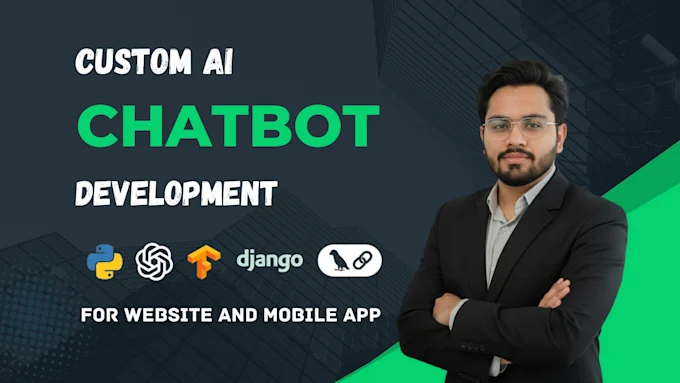
I will build ai chatbot and ai agents using chatgpt, n8n, llm, vapi, API key, langgraph
Video & Animation
Promoted
From
$20.00

5.0
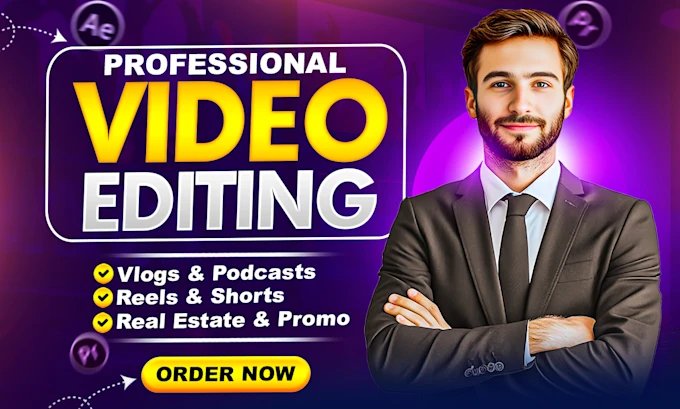
I will edit engaging hype videos, ads, promos, sports, event recaps, film video editing

Trending in Shop
Story Activity & Insights
Who interacted with this story
Loading reactions...
Loading messages...
Loading viewers...
Comments (0)